

This 14-inch MacBook Pro M5 pairs next-gen Apple silicon efficiency with a stunning 120Hz Liquid Retina XDR display and an upgraded 1TB SSD—all at almost 10% off right now on Amazon.
P
Read full storyPcmag
Original source
This 14-inch MacBook Pro M5 pairs next-gen Apple silicon efficiency with a stunning 120Hz Liquid Retina XDR display and an upgraded 1TB SSD—all at almost 10% off right now on Amazon.
Pcmag
Original source
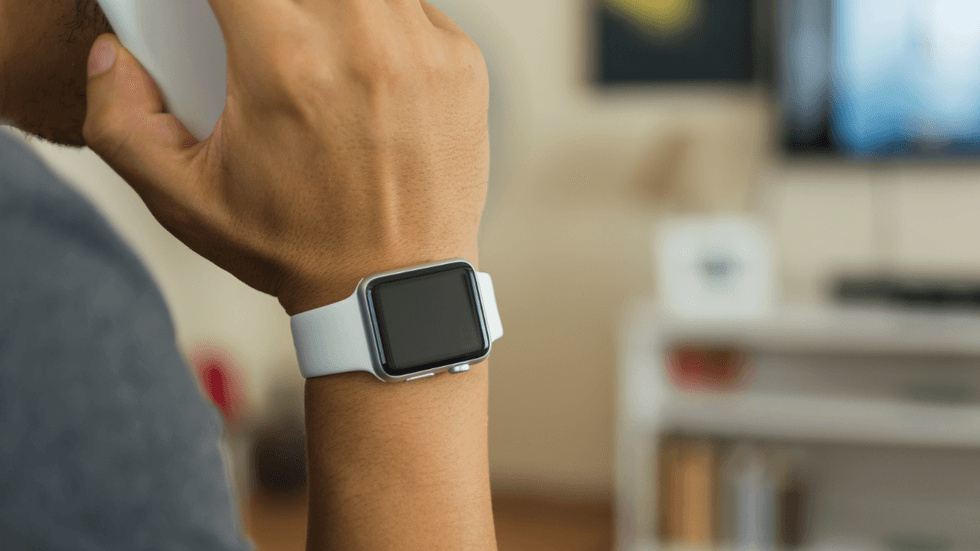
Apple Watch is good for many things — wrist-based notifications, health and fitness tracking, quick access to Siri. Now users might soon add “covert spy device” to the list, thanks to new AI-powered listening features that can eavesdrop on conversations like yours, even if you don’t own an Apple Watch. Apple made a surprising announcement during its hardware event in early September. The company is bringing a controversial listening feature to Apple Watch Series 12 called Siri Recap. If you think that sounds like a walking privacy violation, you’re right. When enabled, Siri Recap monitors your ambient environment for conversations through the Apple Watch on your wrist and translates it into “high-level notes” that you can read on your wrist or through a connected iPhone. There are plenty of places where this feature could be useful. Apple specifically mentioned that Siri Recap is good for taking notes during team meetings at work or parent/teacher conferences at school. However, it can technically be used anywhere — the sermon at church, chats with friends, a disagreement with your spouse. There are no limits, because Siri Recap can hear and summarize everything. If you think that sounds like a walking privacy violation, you’re right. Luckily, Apple took some precautions to mitigate the dangers, if you choose to believe them. Siri Recap/Apple Support For starters, Siri Recap isn’t activated by default . The user has to enable it through a new icon in Control Center on Apple Watch before it searches for live speech. Alternatively, it can be set to run on a schedule, like when you go into the office every day or sit down for a specific weekly meeting. But again, both of these actions are intentional to prevent accidental recaps. Apple claims that conversations are never actually recorded or stored , either on-device or in a server farm somewhere far away. However, there is a contradiction in its own documents , which reveal that audio is briefly captured within the Secure Enclave on Apple Watch and iPhone, transcribed into condensed text, and then processed through Private Cloud Compute before the final product is delivered to your device, fully encrypted along the way. Ultimately, you never receive the recording or the word-for-word transcript. You only get detailed notes in the form of a final summary. Saved notes are deleted on a seven-day rolling period, unless the user deliberately saves them for later. In this case, most saved data will simply disappear without a trace, as if the conversation never happened at all. Siri Recap will seemingly understand when it hears personal information — such as banking details or a social security number — and omit this from final summaries. Everything is supposedly end-to-end encrypted and synced to iCloud so that no one but you can access your recaps, not even Apple. It goes without saying that there are some clear pros and cons to letting an Apple Watch listen in on your conversations every day. On the pro side, Siri Recap could be a genuinely helpful tool for anyone who needs to remember anything. The busy entrepreneur takes notes at a meeting without lifting a finger. The old friends who get together once a month receive memorable summaries of their time spent together. An elderly person with dementia gets back a semblance of their memory with a recap that tells them exactly what they forgot during a doctor’s appointment or visit from a loved one. All of these things are good and useful to the people who need them. RELATED: Uh-oh: Apple’s 'private' VPN-style service could leak your IP address MUNTHITA LAMLUE/Getty Images On the con side, Siri Recap makes the Apple Watch Series 12 — and maybe all Apple Watches in general — problematic for privacy-conscious people. Essentially, Siri Recap turns everyone else’s Apple Watch into a continuous recording device that could be analyzing conversations at any given time without your knowledge or consent. Granted, only Series 12 can use Siri Recap for now, but normal people don’t know that. Not to mention, most people can’t tell a Series 12 from a Series 8 or any other on someone’s wrist. That means, in the eyes of people like you and me, any Apple Watch you come across throughout the day could record what you say, and you’d never know it. So what happens next? Will you assume that all Apple Watches are recording you when you speak to someone in public? Or will you try to forget how surveillance is quickly becoming part of our AI-enhanced reality? Leave a comment with your thoughts. Siri Recap is just one of the new Audio Intelligence features coming to Apple Watch Series 12. Users will also get to check out Live Rewind, which stores a transcript of the last 15 seconds of a live conversation that you can read on Apple Watch with a double-press of the Digital Crown. Next, there’s Sound Recognition, which helps deaf people decipher alarms and sirens in their vicinity. Finally, Music Recognition, powered by Shazam, continuously scans and identifies songs playing nearby. Siri Recap is expected to launch in beta later this year. With my Series 12 already on my wrist, I will definitely test this feature and report back on how the feature actually works and whether or not anyone has a reason to worry about privacy going forward. Like Blaze News? Bypass the censors, sign up for our newsletters, and get stories like this direct to your inbox. Sign up here !
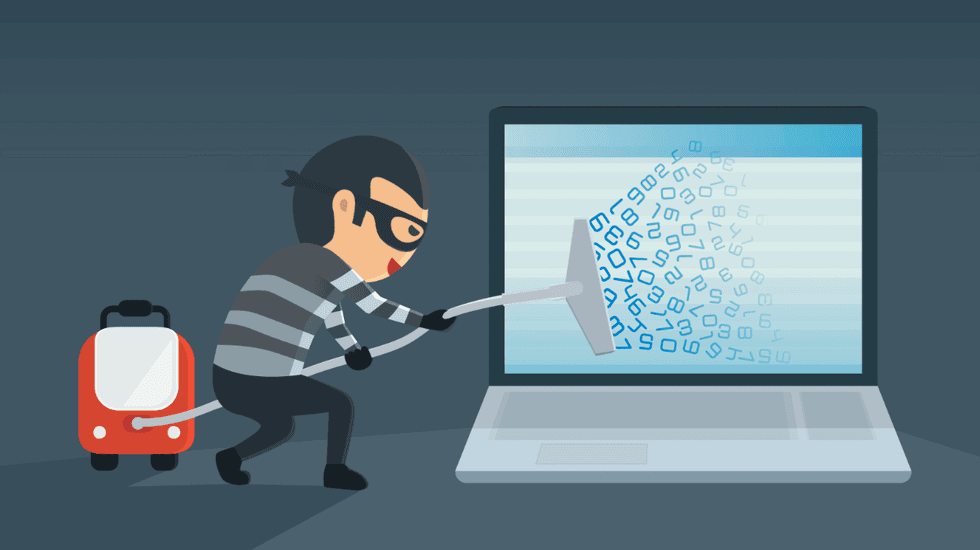
Google’s new Daily Brief for Gemini is both cool and creepy , but up until recently, it was locked behind a paid subscription, away from the masses. Months later, the data-devouring feature is now available for everybody. Here’s how to make sure it isn’t already gobbling up your private data. Daily Brief is a relatively new feature built into the Google Gemini app. Every morning, it scours through the information saved in your Google apps to surface a daily agenda of tasks, reminders, and events custom-tailored for you. Once Daily Brief is enabled, Gemini can dig through everyone’s Google apps in search of relevant information. When I tested Daily Brief earlier this year, I found it paradoxical. For those in the Google ecosystem, it can be a handy tool to remember things you otherwise forgot — a birthday for a loved one, to follow up on an email you sent the other day, to dig deeper into a topic you searched on Google. If you’re not an avid Google user, though, it’s mostly useless. The more data Gemini can gather from your Google apps, the better the brief. At the same time, the more data it has, the more Google learns about you to feed into its AI machine. Since Daily Brief is part of the Gemini core experience, it isn’t exclusive to Google’s Pixel phone series or even Android. It’s available on iOS and the web too, expanding its reach to cover practically any user with a Google account. The goal, of course, is to get you to rely on Gemini so that Google can pull you into its broader AI platform and away from the likes of ChatGPT, Claude, and Grok. RELATED: Surprise! These top AI bots are politically left wing chiewr/Getty Images Like many Gemini features, Daily Brief started as a paid perk back in May, and now it’s available to the masses for free. That means, once Daily Brief is enabled, Gemini can dig through everyone’s Google apps in search of relevant – i.e., private and personal – information, free of charge. So it is already digging through your data right now? In a word, no. Google made the right choice when it locked Daily Brief behind a manual setup process, so unless something went terribly wrong, the feature should be disabled on your account by default. However, if you’re curious about the feature, or if you want to ensure it’s actually turned off so it can’t gobble up your data, you might still want to confirm if it’s on or off. To check how Daily Brief is configured, open the Gemini app on Android, iOS, or the web. Using the mobile version as a reference, tap on your profile picture in the top right corner. On the next page, choose “Personal Intelligence.” At the bottom, find “Daily brief.” Screenshots by Zach Laidlaw/Android 17 on Google Pixel 10 Pro XL To make sure Gemini can’t scan through your Google app data for future briefs, uncheck the toggle switch so that it’s grayed out. On the flip side, if you want to try Daily Brief and see what it’s all about, check the toggle so that it lights up blue. Screenshots by Zach Laidlaw/Android 17 on Google Pixel 10 Pro XL For those who don’t want to use Daily Brief, that’s all you need to do. It’s officially turned off, and it won’t dig through your data going forward. For those who turned it on, go back to the first screen in the Gemini app. Next, tap the hamburger menu in the top left and select “Daily Brief” from the slide-out section. Here is where your Daily Briefs will live on your device. Screenshots by Zach Laidlaw/Android 17 on Google Pixel 10 Pro XL Every morning, you will receive a notification with a new brief for tasks you need to accomplish today and throughout the rest of the week. If you don’t want to receive notifications, tap on the three dots in the top right corner, and uncheck the notifications switch. This way, your Daily Brief is still ready and accessible every morning, but your phone won’t nag you to open it. Whether you wish to keep Daily Brief enabled for its useful features or disabled for the sake of privacy, the choice is ultimately up to you. It’s easy enough to adjust the setting if you change your mind. Like Blaze News? Bypass the censors, sign up for our newsletters, and get stories like this direct to your inbox. Sign up here !

Still, 64% said they're concerned AI could strip away the personal touch of healthcare altogether.
Apple explores screenless fitness tracker similar to Whoop - Bloomberg Investing.com Apple Is Developing New Fitness Tracker Aimed at Rivaling Whoop Bloomberg.com Apple is building a screenless Whoop rival, but it may not launch before 2028 The Times of India Apple Testing Prototypes of Whoop-Like Screenless Fitness Band MacRumors AAPL Stock Hits Record Highs — Apple Reportedly Explores Screenless Health Trackers And Other Wearables Following iPhone Duo Launch tradingview.com
Headlines and briefs on this site are for information only. Always verify details on the original source or live status page.
Read Disclaimer